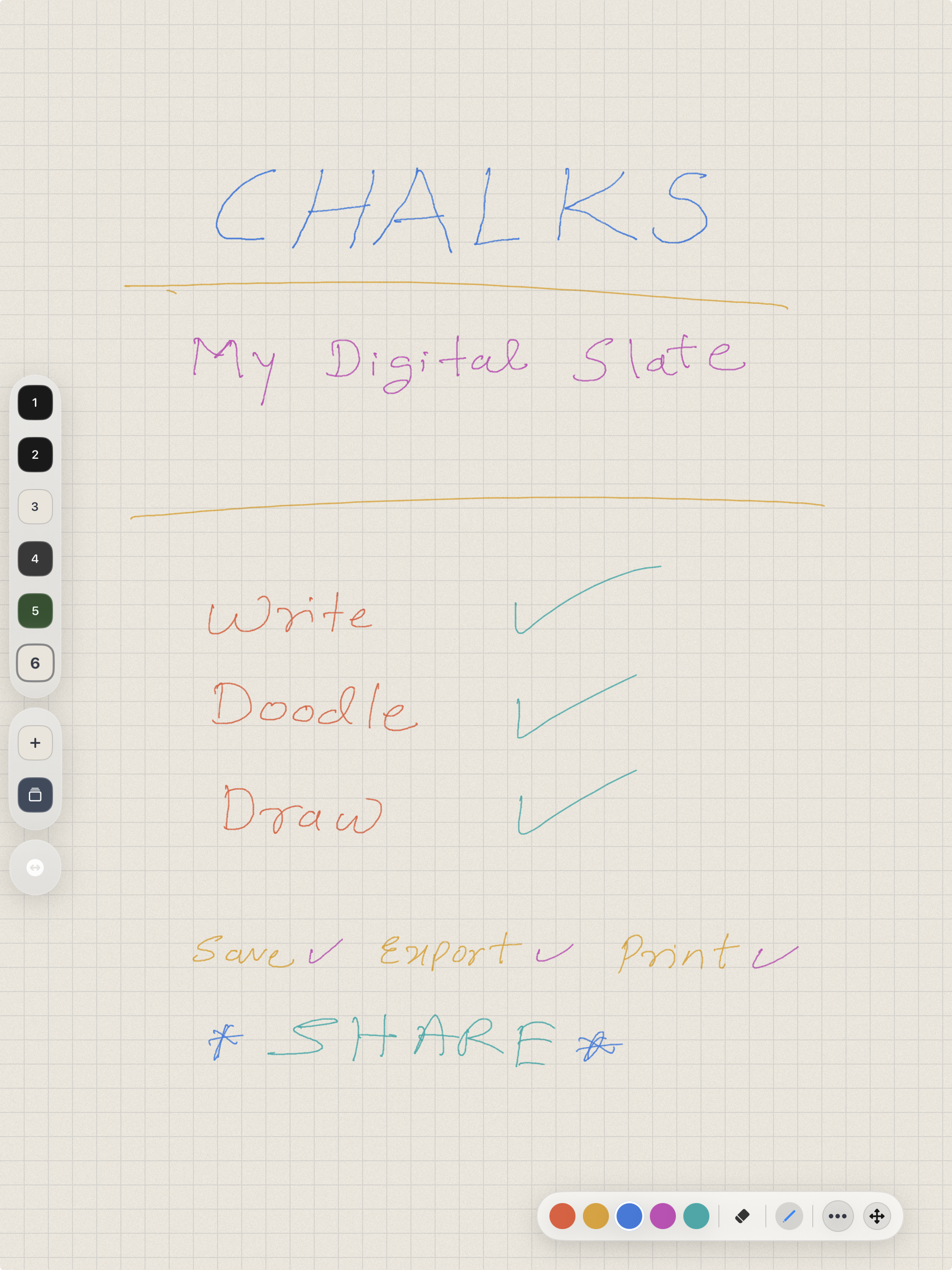
Main board
One board, many slates, immediate context.
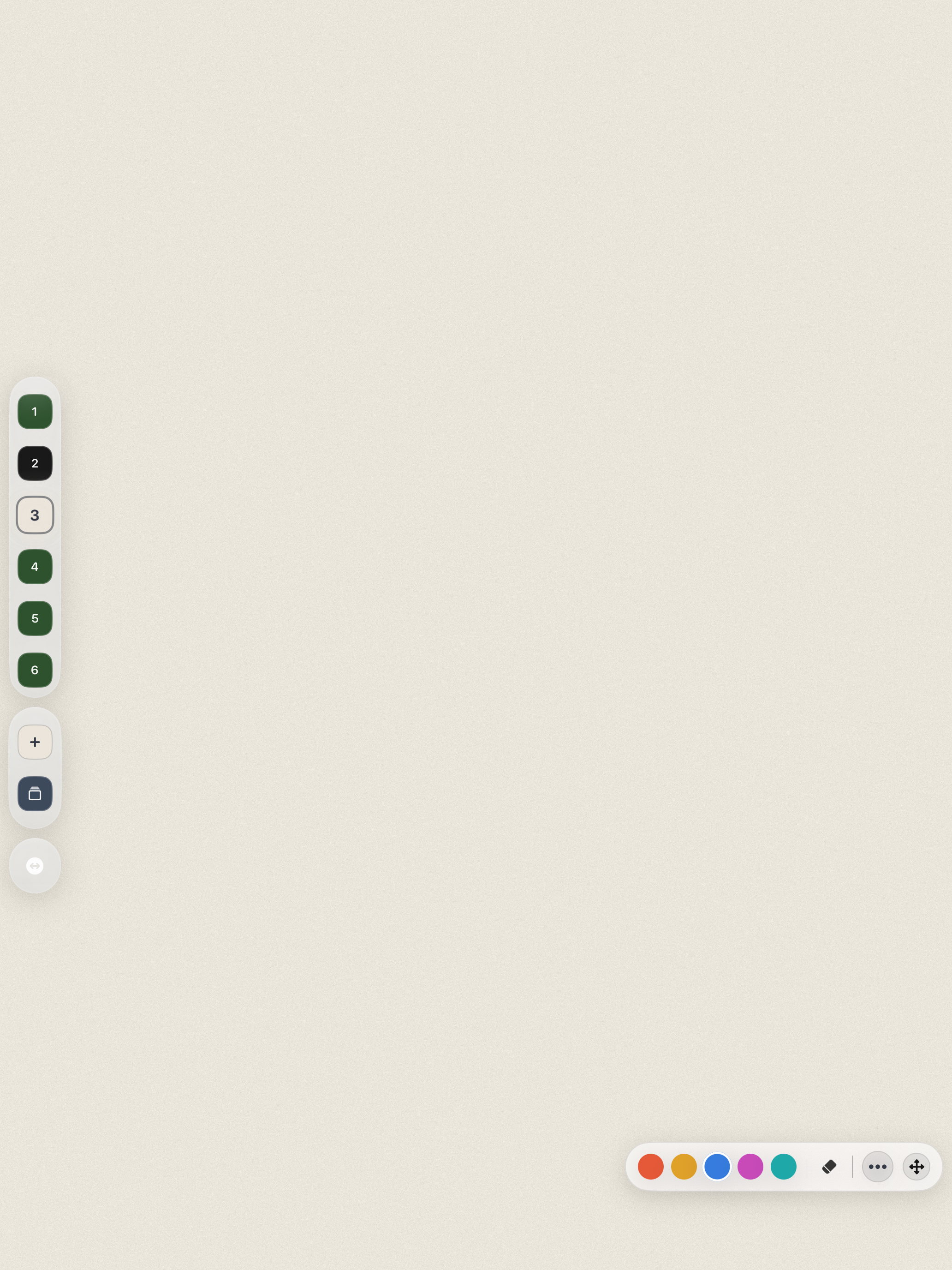
Chalks is built for active writing, formulae, diagrams, quick idea capture, and evolving notes across a single board.
 Chalks
BiosoniX
Chalks
BiosoniX
Chalk and slate, reimagined for iPad
Chalks turns iPad into a digital slate for notes, diagrams, explanation sketches, quick derivations, and the first structure of a thought. It is built for the academic moment before ideas become polished documents.
No clutter. No feature maze. No artificial workflow. Just a calm writing surface with Apple Pencil-first interaction, finger drawing when Pencil is not available, strong contrast, per-slate backgrounds, fast tabbing, and export paths that stay out of the way while you are still thinking.
Screenshots
Chalks is designed to feel calm, direct, and legible while ideas are still fluid. These screens show the board-and-slate workflow, per-slate colour variation, and the writing-first interface in practice.
Main board
Chalks is built for active writing, formulae, diagrams, quick idea capture, and evolving notes across a single board.
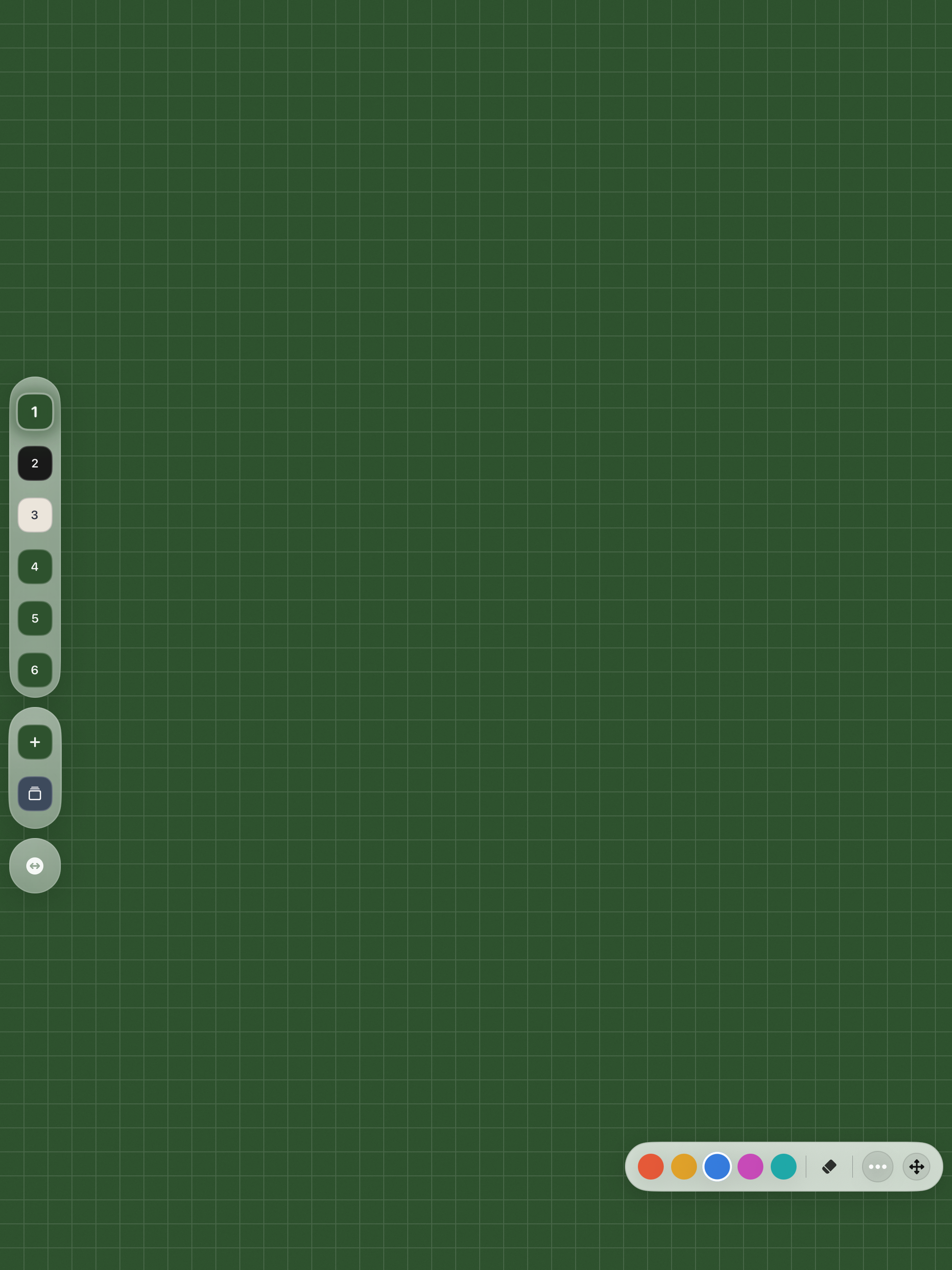
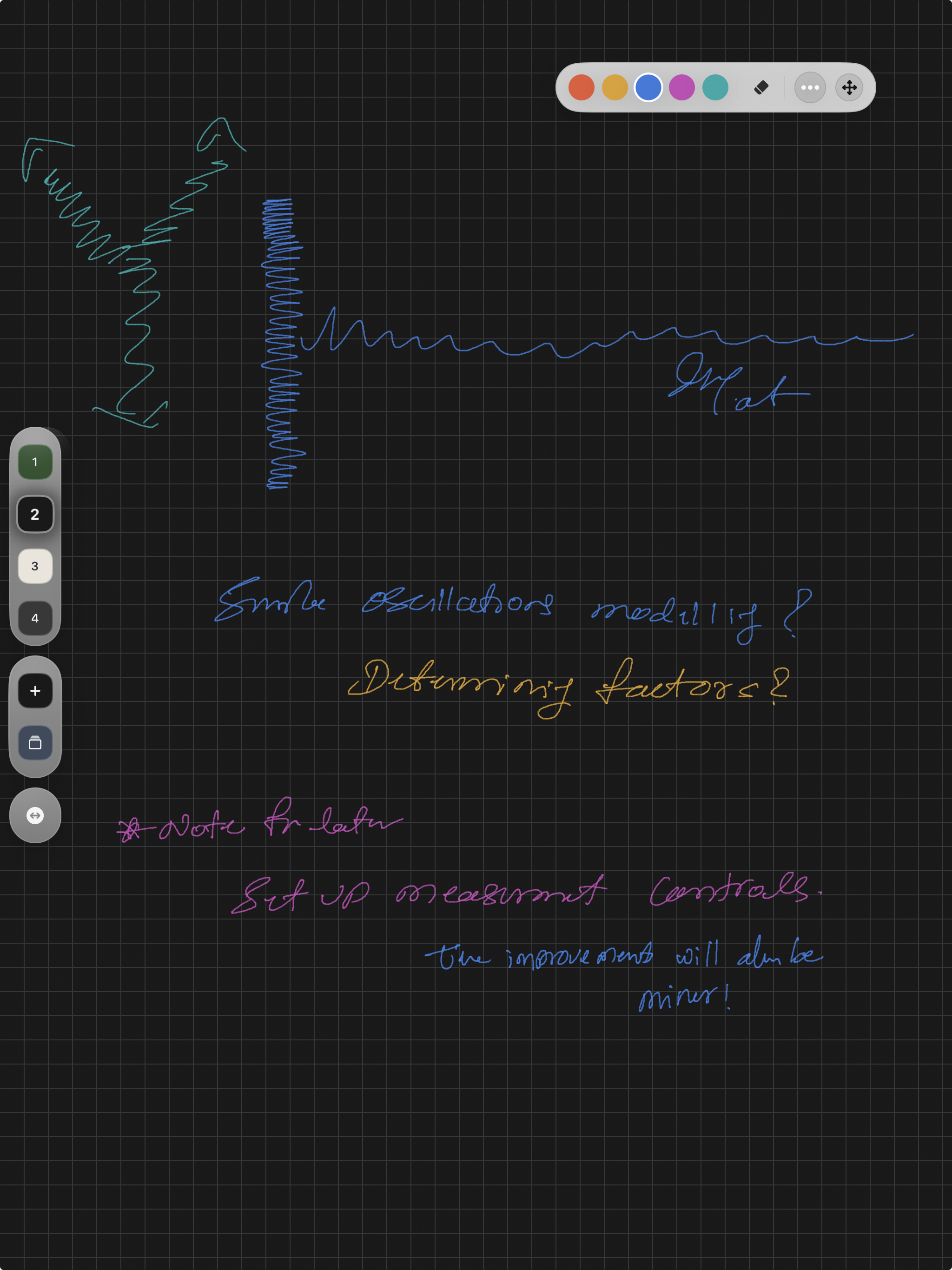
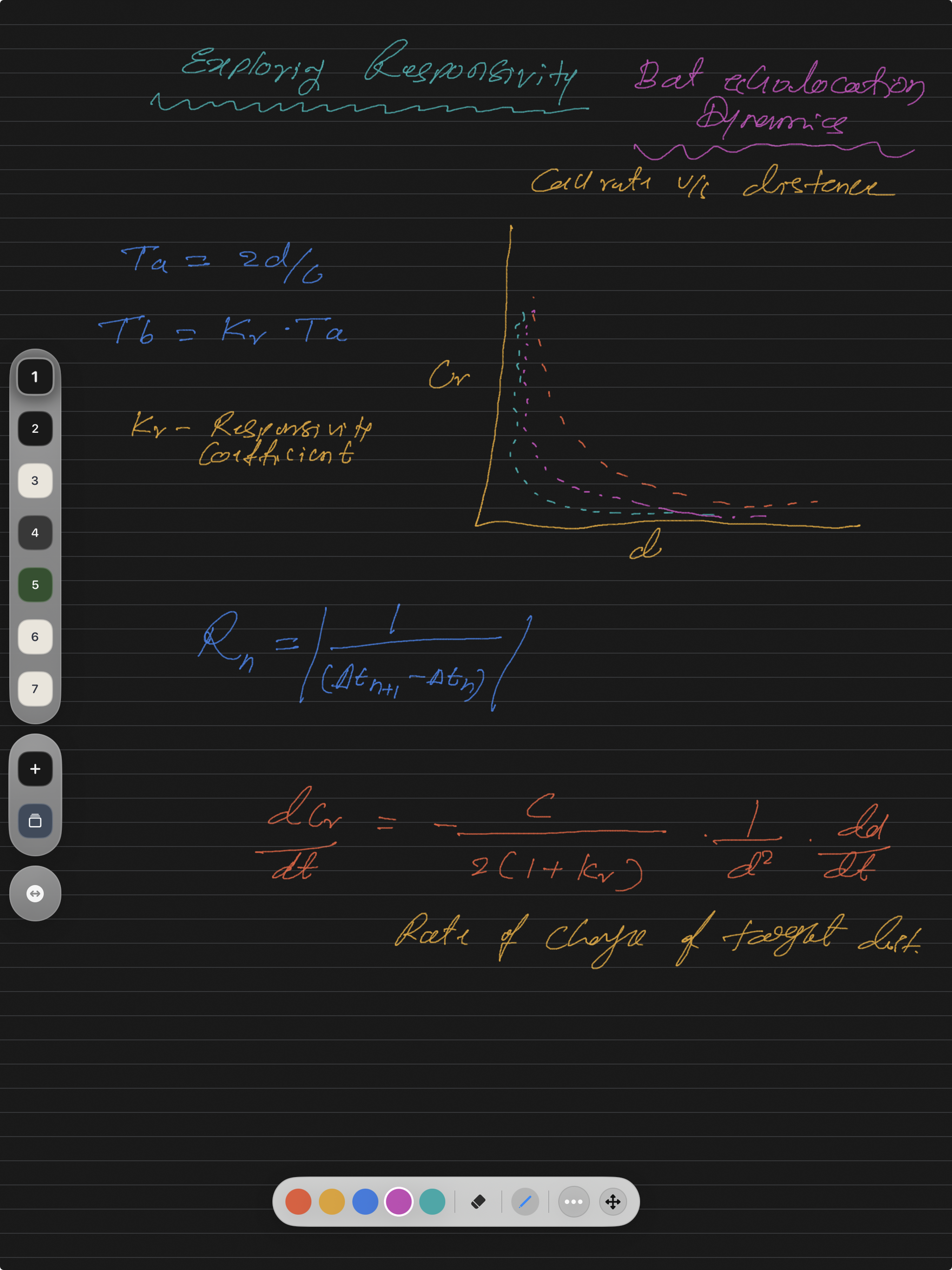
Useful for arrows, structure, graphs, and explanatory layouts as naturally as text.
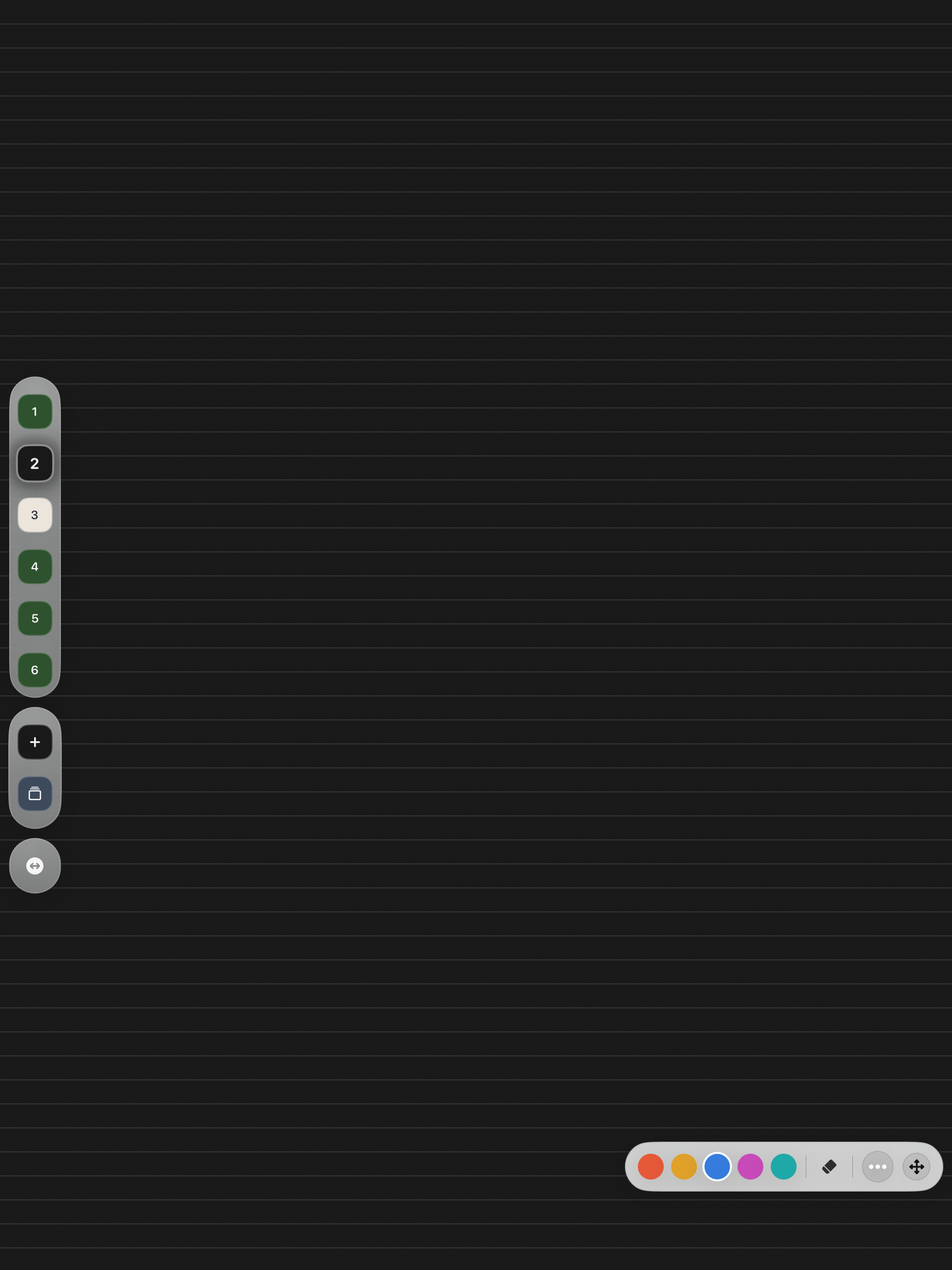
Move through slates quickly without losing the overall thread of the board.
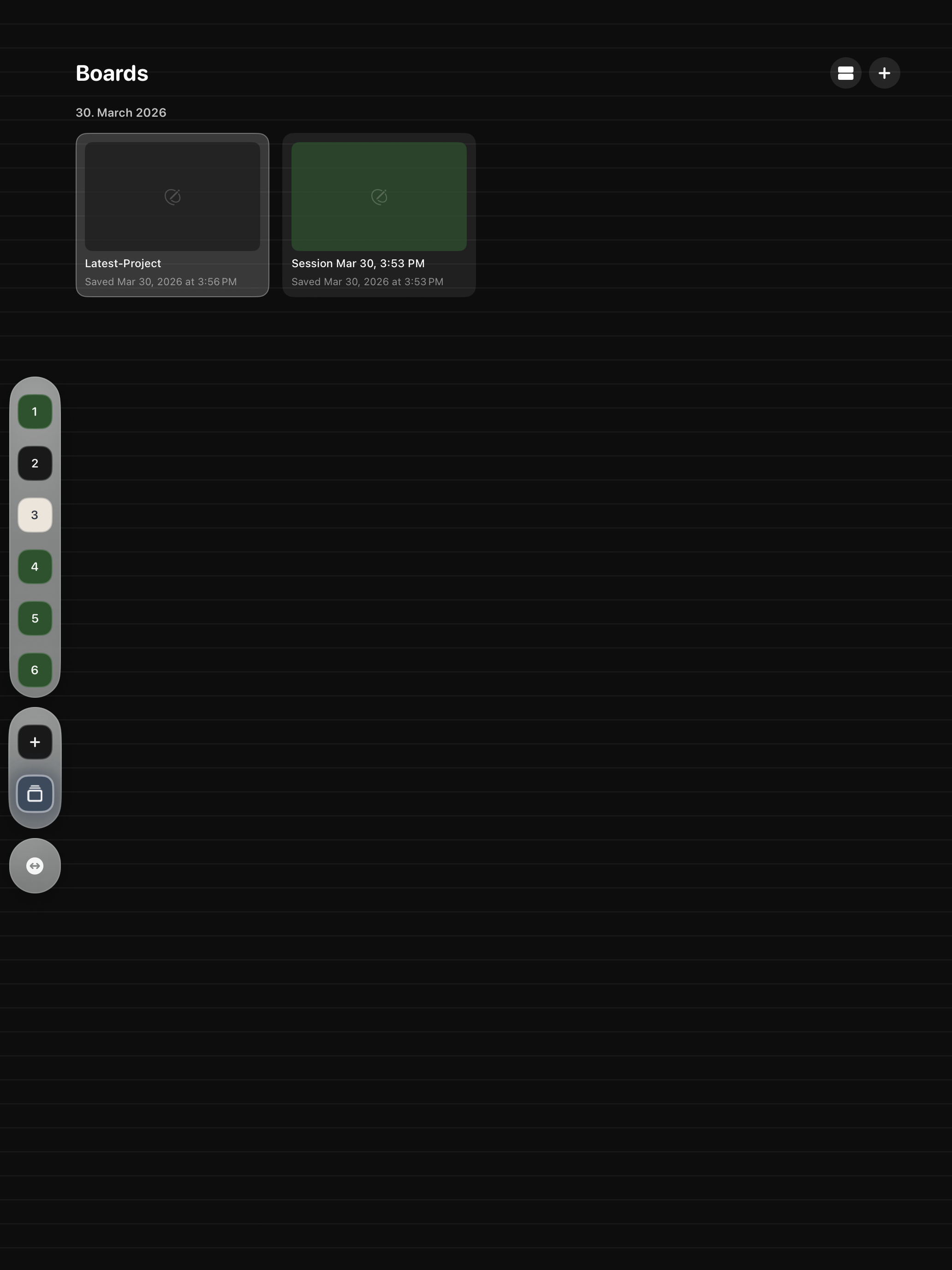
Export, share, and archive without rebuilding the same work somewhere else.
Use words, arrows, shapes, diagrams, and fragments the way real ideas often first arrive.
Switch slates quickly, keep related work together on a board, and avoid losing momentum to interface friction.
Share a slate as PNG or export a full board as portrait PDF without having to rebuild the work elsewhere.
Features
Chalks is designed for students, researchers, teachers, and anyone who values the clarity and flexibility of handwriting.
Each board can hold up to 25 slates, keeping connected thoughts together while still giving each slate its own space.
Write naturally with Apple Pencil when it is available, or keep working with finger drawing when Pencil is not with you.
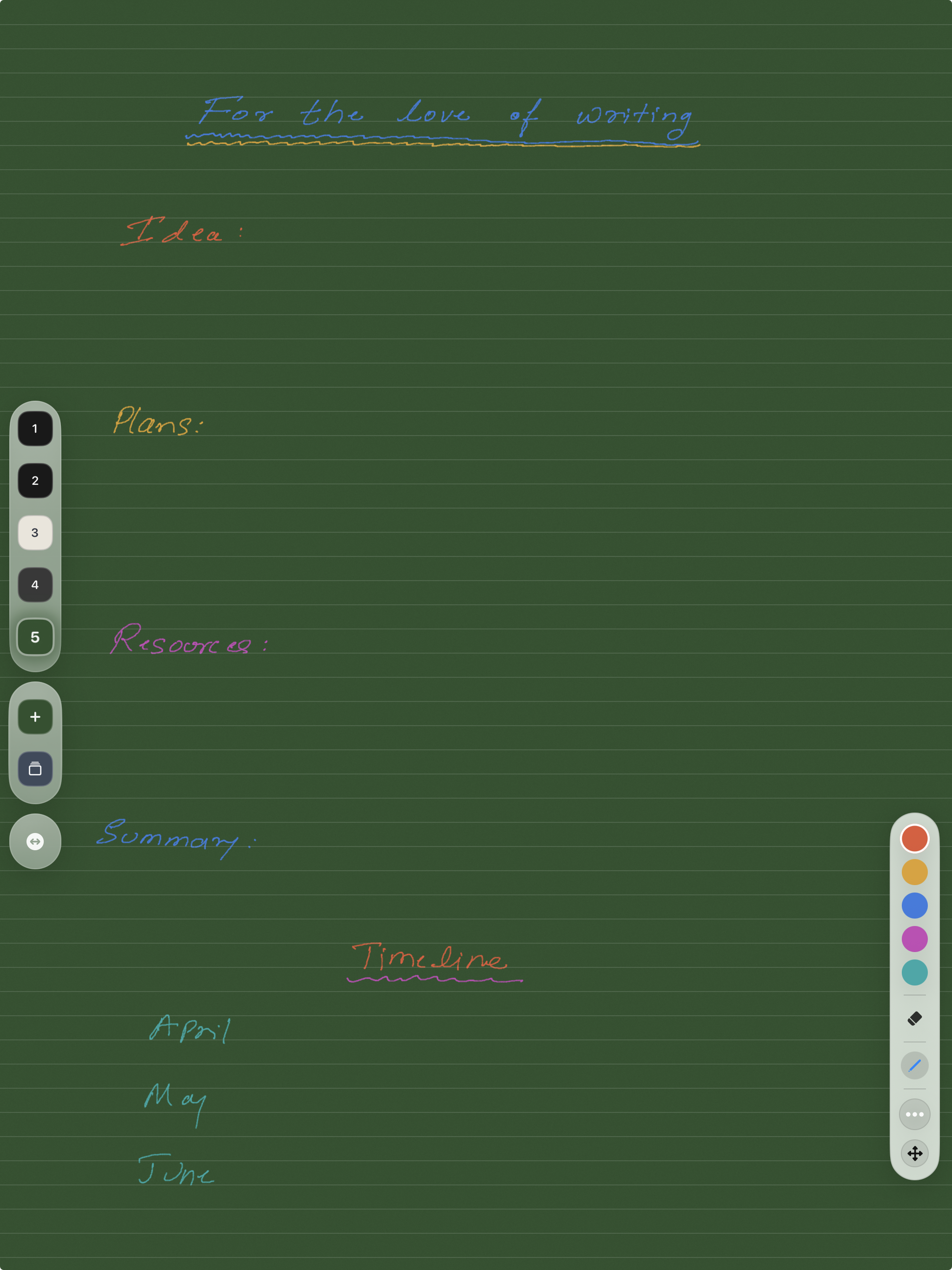
Choose a background for each slate and optionally show ruled lines or grid when structure helps the work.
Export the current slate or an entire board, share to Mail or Reminders, or save a slate directly to Photos as PNG.
Available chalk colours are chosen to stay visible across the supported slate backgrounds so work does not disappear.
The app supports all device orientations while keeping readable interface elements aligned for easier use in motion.
Workflow
Open Chalks and begin on the default slates, or create a new board for a different thread of work.
Keep one line of thought moving across multiple slates without fragmenting the session into separate documents.
Use text, arrows, diagrams, quick equations, and structure as naturally as you would on a physical slate.
Send out the result as PDF or PNG when the idea needs to leave the slate and continue somewhere else.
Export
Export a full board as a multi-page portrait PDF suitable for saving, sending, or printing.
Share the current slate with its background intact to Photos, Mail, Reminders, Calendar, and other iPad share destinations.
Choose whether guide lines should appear in exports when structure matters to the finished output.
Chalks is built for the moment before thoughts harden into polished prose, and to let you write whenever you want...
Apps
Explore the companion apps built for bioacoustic fieldwork and low-light recording sessions.
Browser spectrogram workstation
A browser-based spectrogram and spectrum viewer for local inspection of bioacoustic recordings, with tunable analysis settings and figure-ready PNG export.
Visit SpectraField bioacoustics app
A bioacoustics field companion for iPhone and iPad with real-time spectrogram and waveform views for researchers, recordists, and careful listening outdoors.
Visit ChirpsLow-light field utility
A calm monochrome light and colour reference that also works as a low-light visibility aid while recording bats and moving through the field at night.
Visit NoxtraRelease
Chalks is available now as a modern digital slate for handwriting, diagrams, quick explanation sketches, and idea-first academic workflows.